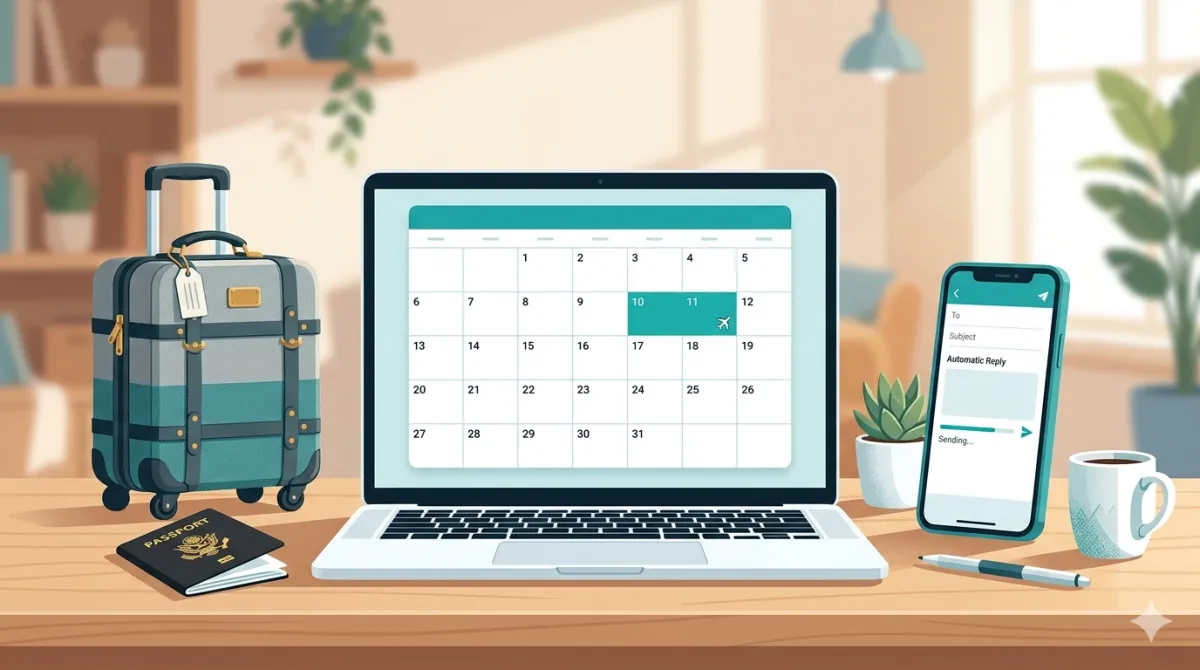
The problem with out-of-office
Let me paint a picture you'll recognise.
You're halfway to the airport. Or sitting in the car outside the training venue. Or lying in bed feeling genuinely terrible. And it hits you: you haven't set your out-of-office.
So you fumble with your phone, open Outlook or Gmail, find the OOO settings (which are never where you remember them being), type something that's probably missing a return date, and hope for the best.
Three days later you're back at your desk. Your OOO is still running. Your first email of the day gets an auto-reply telling the client you're on a beach in Portugal. Brilliant.
What if your calendar just handled it?
TravelSync already reads every event in your calendar. It knows when you've got meetings, where they are, and how long the drive takes. So we thought: if it already knows your schedule, why can't it handle your out-of-office as well?
That's exactly what the new OOO auto-responder does.
How it works
You set up rules — as many as you need, each with a different trigger keyword. Add #holiday to a calendar event and TravelSync sends one reply. Add #sick and it sends a different one. #training, #conference, #parental — each one has its own subject line, message body, and tone.
The replies come from your own Gmail or Outlook account. They thread into the original conversation. And each sender only gets one reply per absence, so nobody gets spammed.
When the calendar event ends, the replies stop. No toggle to remember. No embarrassing “I am currently out of the office” running on a Tuesday morning when you're very much at your desk.
Different messages for different situations
This is the bit that no native OOO tool does properly. Gmail and Outlook give you one message. One. Whether you're on annual leave, off sick, at a conference, or on a training day — everyone gets the same reply.
With TravelSync, you write a message for each situation and it picks the right one based on your calendar event. A client emailing you on holiday gets a warm, friendly reply with your return date. Someone emailing you during a training day gets a shorter, more practical message.
You can personalise each one with template variables — the sender's first name, your return date (automatically adjusted to skip weekends), your signature. The HTML editor lets you format it properly, and a plain text version is generated automatically for older email clients.
It's tied to your calendar, not a toggle
This is the key difference. Native OOO is a manual switch. You turn it on, you turn it off, and you hope you remember both steps. TravelSync's OOO is event-driven. The calendar event is the trigger and the boundary. If the event is active, replies go out. If it's not, they don't.
You can even tell TravelSync to suppress travel block creation on days you're out of office — so your mileage reports stay clean and you don't get phantom travel blocks for meetings you were never going to attend.
Setting it up
Go to Out of Office in the app navigation. You'll find five example rules already there (holiday, sick, training, conference, parental leave) — all disabled by default. Enable the ones you want, customise the message, and you're done.
When you next add a calendar event with one of those trigger keywords in the title or description, TravelSync will handle the rest.
One thing to note: the first time you enable it, you'll need to sign out and sign back in so Google or Microsoft can grant email permissions. It's a one-time consent screen — takes about ten seconds.
Why we built this
TravelSync started as a tool to fix the gap between your calendar and reality — the missing travel time that makes your schedule a work of fiction. But the more we used it, the more we realised it's sitting on top of your calendar data in a way that makes other automation possible.
OOO auto-replies were a natural next step. The engine already scans your calendar every hour. Detecting an event with #holiday in the title and sending an email reply is a small extension of what it already does.
And honestly, forgetting to set your out-of-office is one of those tiny stresses that just shouldn't exist any more.
Try the OOO auto-responder
Set up your rules, add a hashtag to a calendar event, and let TravelSync handle the rest.
Set up your OOO rules